
Countertops
Each page acts as a targeted content hub, built around specific keywords and topics. These keywords play a critical role—they help match your posts and listings to the most relevant pages, ensuring your content appears in front of the right audience at the right time.
When you create a page (for example: Granite Countertops, Quartz Kitchen Remodels, or Bathroom Vanities), any listings that align with those keywords are dynamically associated with that page. This creates a structured, SEO-friendly experience that improves both visibility and user navigation.
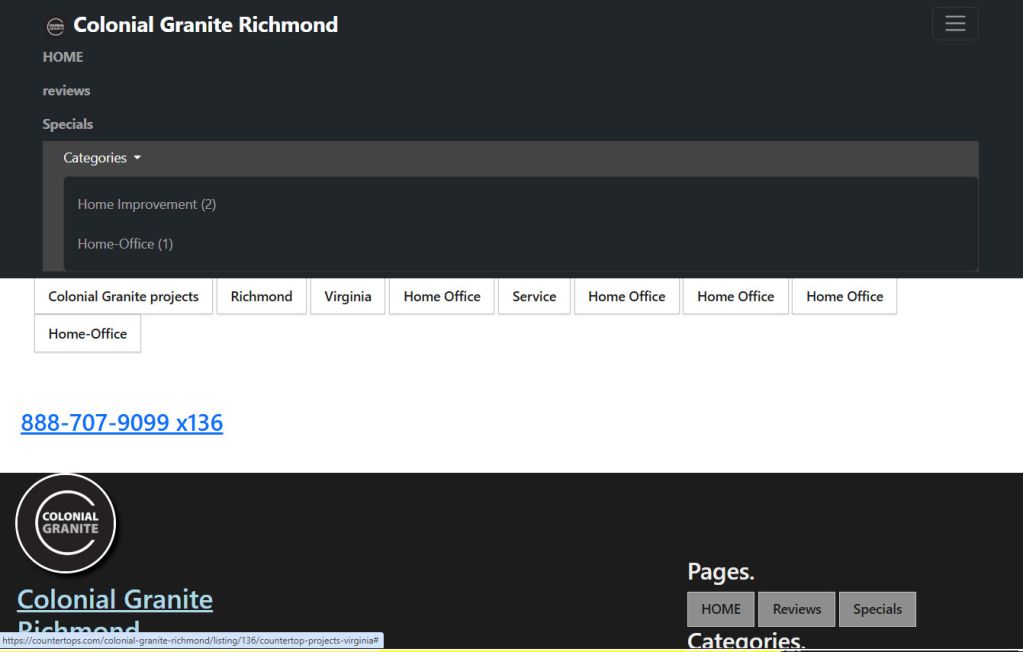
Categories add another layer of organization by grouping similar posts together based on how they are created.
When publishing a listing, you assign it to one or more categories such as:
These categories act as filters within your storefront, allowing users to quickly find the type of content they’re most interested in.
This system creates a powerful connection between:
Together, they ensure:
As you continue to build out pages and add categorized listings, your storefront becomes more refined, more searchable, and more effective at generating leads.